
Download on the App Store
iPhone / iPad

Not just a timestamp camera. A cloud proof record for rental car damage, move-out inspections, damaged deliveries, and moments you may need to explain later.
Evidence Camera saves photos and videos to the cloud with server receipt time, capture time, SHA-256 hashes, and proof receipts.


Evidence Camera is centered on the iOS and Android apps. The web app is a separate browser entry point, not a synced view of mobile app records.
iPhone / iPad
Android

Separate browser version
Normal photos can be disputed
A phone camera roll is convenient. But once a counterparty pushes back, a photo may be treated as just another editable image file.
The clearest use case
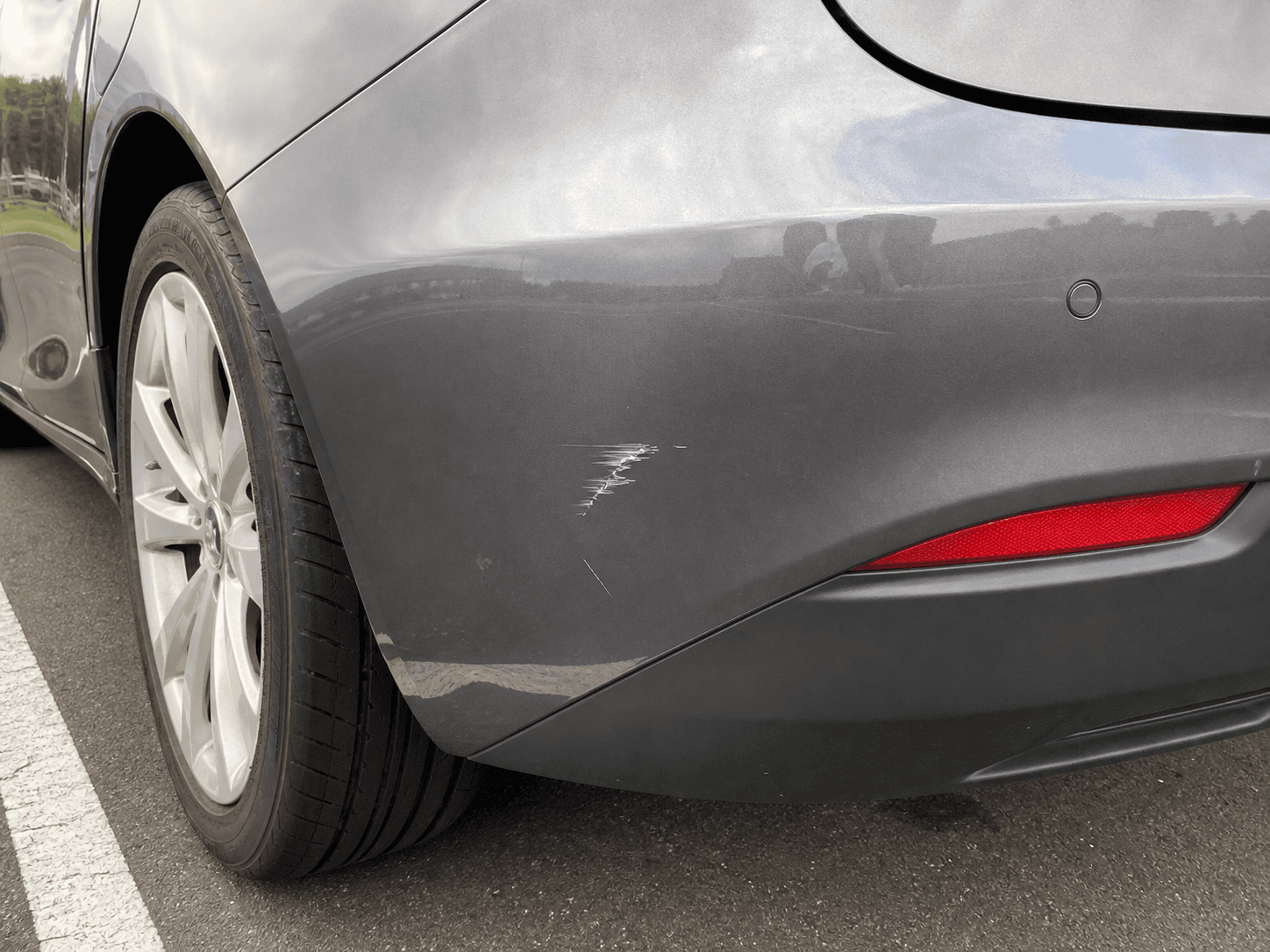
Even if you took an iPhone photo, a counterparty can say the damage was not there, the timestamp can be changed, or the image could have been edited. A photo stored only on your device can be hard to defend.
Evidence Camera saves the photo or video to the cloud and keeps server receipt time plus a file hash. Later, it is easier to explain that the file existed on the server at that time and that the presented file matches the saved record.
Evidence Camera is not a beauty camera or a general cloud album. It is built to preserve records that are harder to dismiss than loose photos.
Capture damage, condition, package opening, documents, and field records in the app.
Keep the device capture time as part of the record context.
Record when the server received the upload.
Keep a file hash so the saved file can be checked later.
Review receipt time and hash data in a form that is easier to explain.
Share only the records that matter with a counterparty or professional.
The point is not to search for proof after things go wrong. It is to keep explainable records before the argument starts.
Capture close-ups and context shots before pickup, before return, or before a handoff.
Keep room-level overviews and condition details together for deposit and repair conversations.
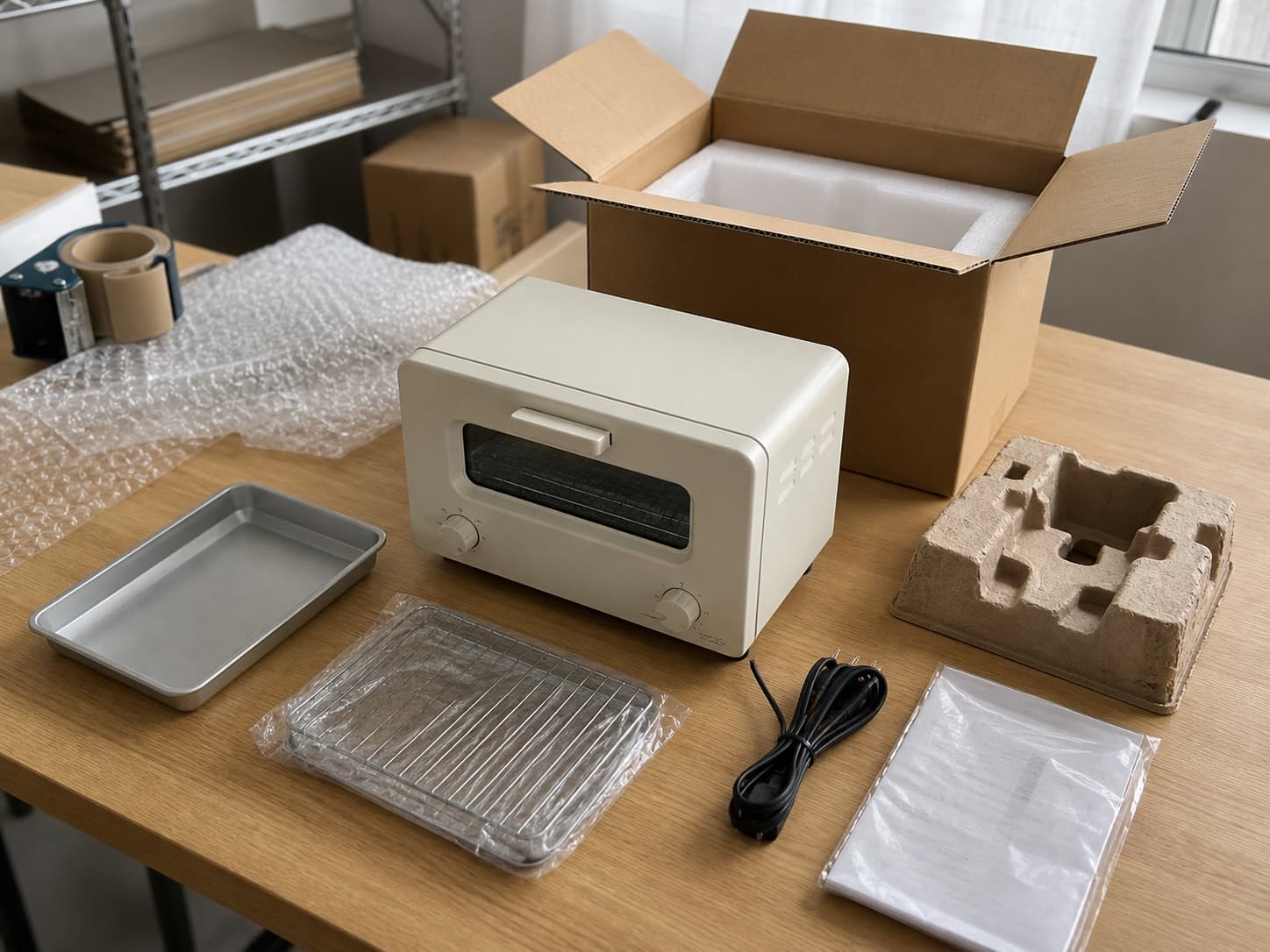
Separate package condition, opening flow, and damage details so shops or carriers can understand what happened.
Group before, during, and after records so clients, property managers, or teammates can review the work in sequence.
Keep item condition and packing records before shipment so return or damage messages have a reference point.
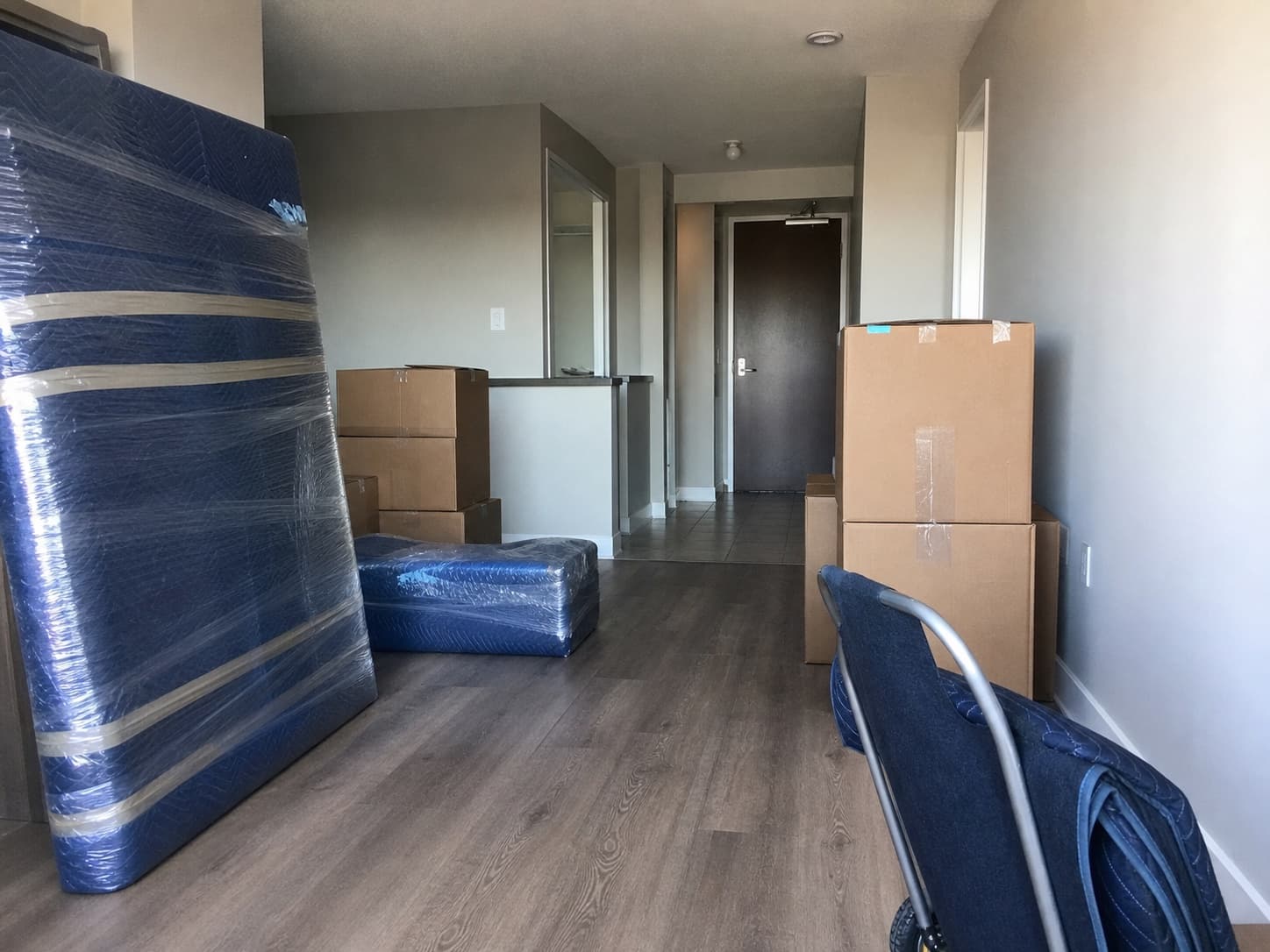
Capture the room, furniture, appliances, and items before pickup, before delivery, and after the move.
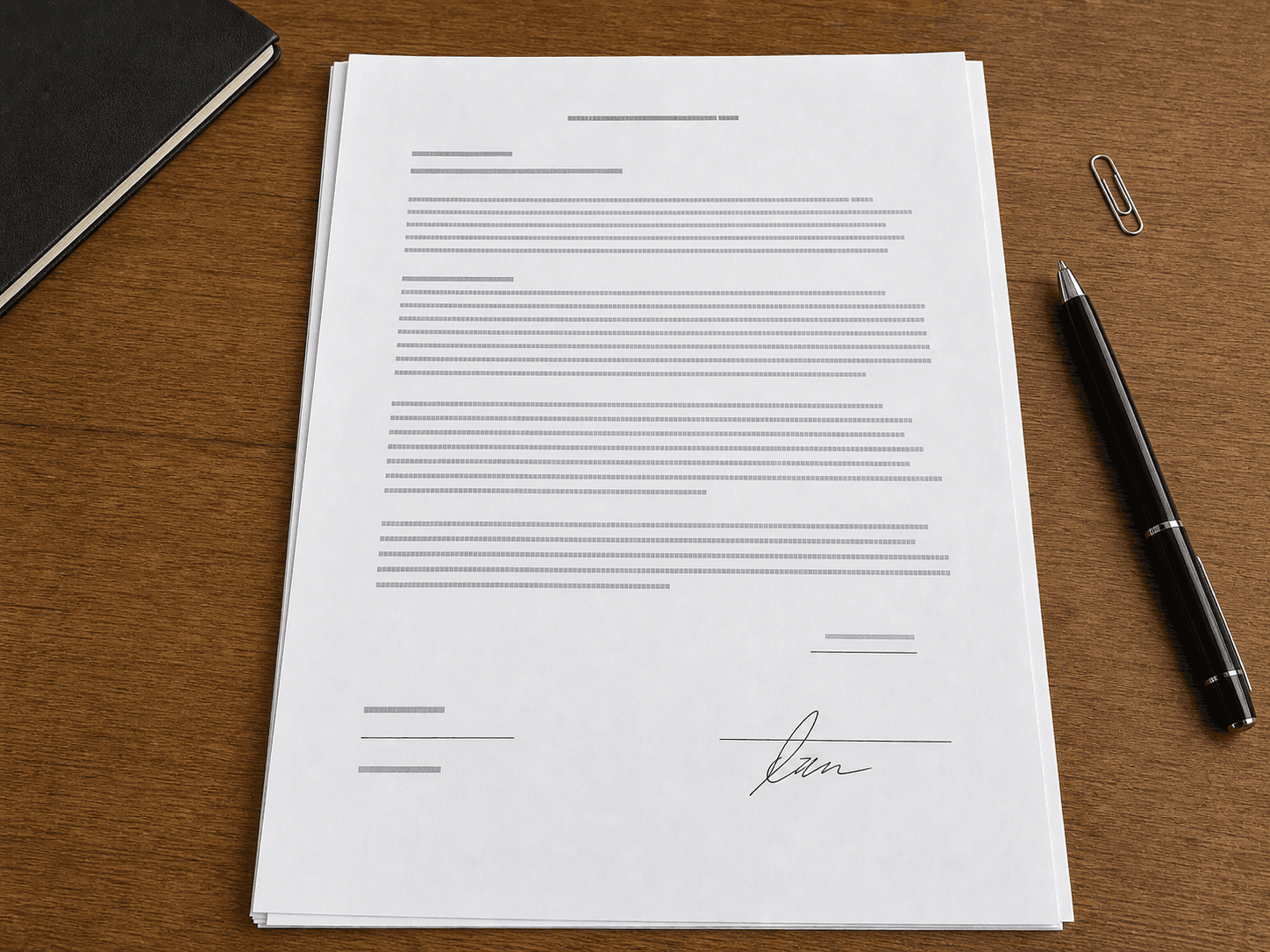
Full pages and important fields are easier to review later when they are saved as a record.
You can decide later whether a record matters. What you cannot recover is the photo or video you never captured.
Use the iPhone or Android app to capture photos and videos at the scene.
Upload media to the cloud and record server receipt time.
Store the SHA-256 hash so file identity can be checked later.
Use the library, share links, and proof receipts when you need to explain the record.
Cloud proof record
Evidence Camera does not magically prove the real-world event. It creates a cloud-backed record that helps explain preservation time and file identity.
Show that the file existed on the server no later than the receipt time.
Use the hash to check whether the presented file matches the saved record.
Keep receipt time, hash, and record details together for explanation.
Avoid relying only on a local camera-roll file.
The product is stronger because it is precise about what it can and cannot say.
The iOS and Android apps and the web app are not presented as one synced library. Use the mobile app for on-site capture, and use the web app as a separate browser entry point when needed.
When a situation may become disputed, use the mobile app at the scene.
Open the web app as a separate browser entry point. It is not a synced view of records saved in the mobile app.
Group records by vehicle, property, package, item, job, or case in the environment you are using.
Where sharing is available, share only the records needed with a counterparty, advisor, client, or team.
Not every record will become evidence. But the record you never captured cannot be recovered later.
It helps show that a file existed on the server at the receipt time and helps check whether the file you present matches the saved record through a hash. It does not guarantee legal conclusions or prove the real-world event by itself.
A normal camera saves photos and videos to your device. Evidence Camera adds cloud receipt time, SHA-256 hashes, proof receipts, organization, and sharing paths designed for later explanation.
Yes. The iOS and Android apps and the web app are not one synced library. The mobile app is the primary capture experience, while the web app is a separate browser entry point.
No. Acceptance depends on the receiving party and the situation. Evidence Camera is designed to make records easier to explain than loose photos, not to guarantee outcomes.